Widget
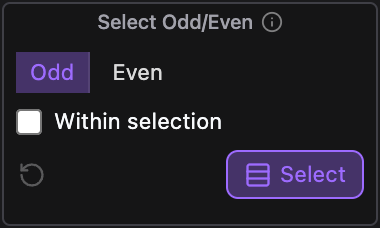
Select Odd/Even.
Select the odd- or even-positioned layers.
What it does
Selects every other layer, counting from the top of the stack: Odd picks the 1st, 3rd, 5th and so on, Even the 2nd, 4th, 6th. Turn on Within selection to count through the selected layers only, top to bottom, whatever order you selected them in. It replaces the current selection, and locked layers are skipped.
Controls
- Click: Select odd or even layers
Details
- Category: Selection Tools
- Kind: Widget
- Also searched as: selection, odd, even, alternate, every-other, layers