Script
Lock / Unlock Layers.
Lock or unlock every layer in the comp.
What it does
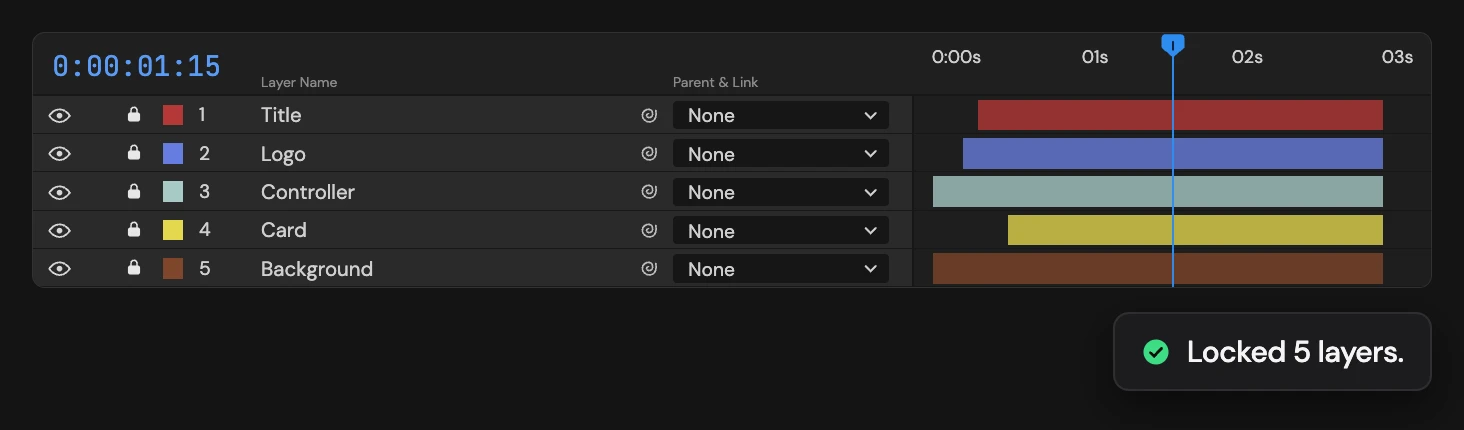
Locks every layer in the active comp, or unlocks them all when the top layer is already locked. The selection does not matter: every layer changes. Click again to switch back.
Controls
- Click: Lock / unlock all layers
Details
- Category: Layer Tools
- Kind: Script
- Also searched as: lock, unlock, toggle, layers, protect
Guide
Use it
Open a comp and click Lock / Unlock Layers. Every layer in the comp locks, including hidden and shy layers. Click again to unlock them all.
The top layer decides which way it goes: if it is unlocked, everything locks; if it is locked, everything unlocks. A comp with some layers locked and some not ends up all one way.
The selection is ignored, so you do not need to select anything. One Undo restores each layer’s previous lock, mixed states included.