Script
Add Wiggly Text.
Make each character wiggle on its own.
What it does
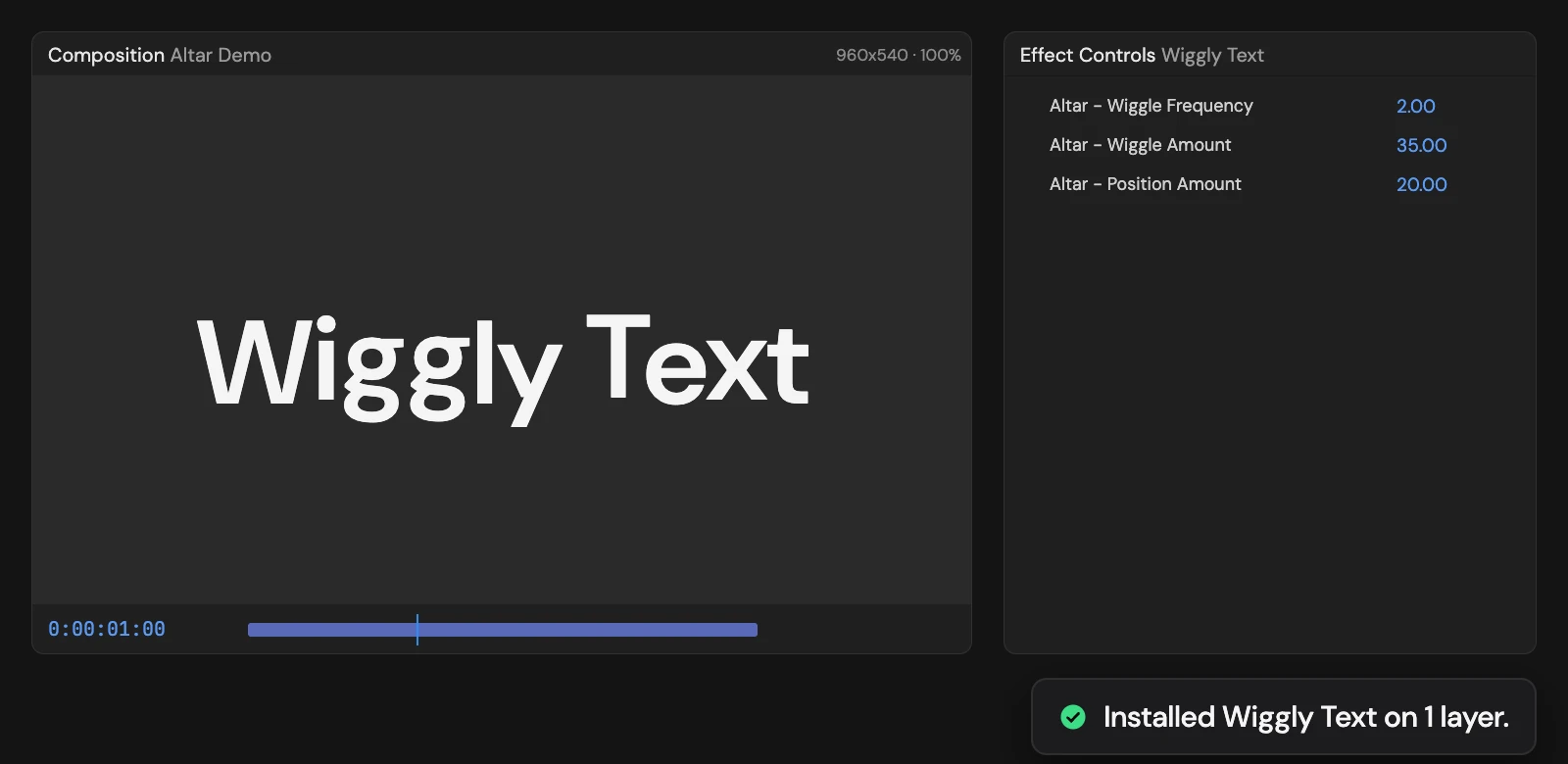
Adds a text animator that drifts each character up and down on its own random path. Wiggle Frequency, Wiggle Amount and Position Amount in Effect Controls set the speed, the variation between characters and the distance. With nothing selected, it creates a new text layer.
Controls
- Click: Install Wiggly Text
Details
- Category: Text Tools
- Kind: Script
- Also searched as: text, wiggle, animator, characters, organic
Guide
Use it
Select one or more text layers and click Add Wiggly Text. With nothing selected, Altar creates a new text layer reading “Wiggly Text”.
Each character drifts up and down on its own random path, so the line looks alive without moving as one block. The Tool adds a text animator, Altar - Wiggly Text, and three controls in Effect Controls:
- Altar - Wiggle Frequency (2) is how many wiggles a second.
- Altar - Wiggle Amount (35) is how much the characters differ from each other.
- Altar - Position Amount (20) is how far, in pixels, the characters can move. Each one drifts within that distance below its normal place.
Good to know
- It works on point and paragraph text, and keeps your font and styling.
- Adding it again replaces its own animator; your other animators stay.
- Every selected layer must be a text layer, or nothing changes. One Undo removes it.