Script
Set Comp Background to White.
Set the composition background to white.
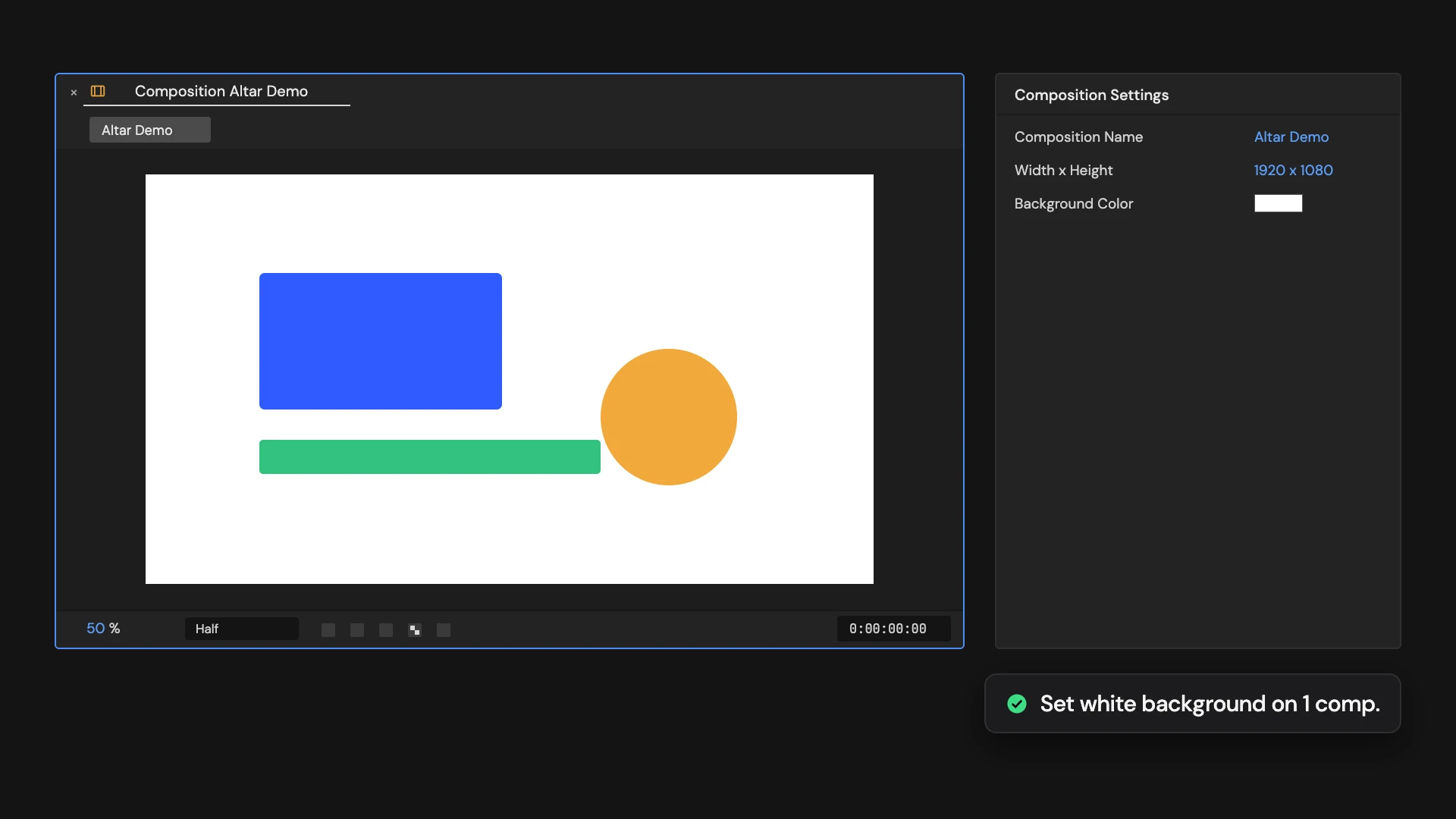
What it does
Sets the active comp’s background color to white and turns off the transparency grid. Hold Ctrl/Cmd to set it on the comps selected in the Project panel instead.
Controls
- Click: Set active comp background
- Ctrl/Cmd: Set selected comp backgrounds
Details
- Category: View Tools
- Kind: Script
- Also searched as: view, background, white, composition, viewer
Guide
Use it
Open the comp and click Set Comp Background to White. Its background color is set to white and the viewer’s transparency grid is turned off, so you see the background.
More than one comp
Hold Ctrl/Cmd as you click to set it on every comp selected in the Project panel instead. Each comp is opened in a viewer on the way.
Good to know
- The background color shows in the viewer. It is not rendered when you export with an alpha channel.
- Edit > Undo puts the previous background back. The transparency grid is a viewer setting: switch it back with Toggle Transparency Grid.