Create Text Background Box.
Add a box behind text that resizes with it.
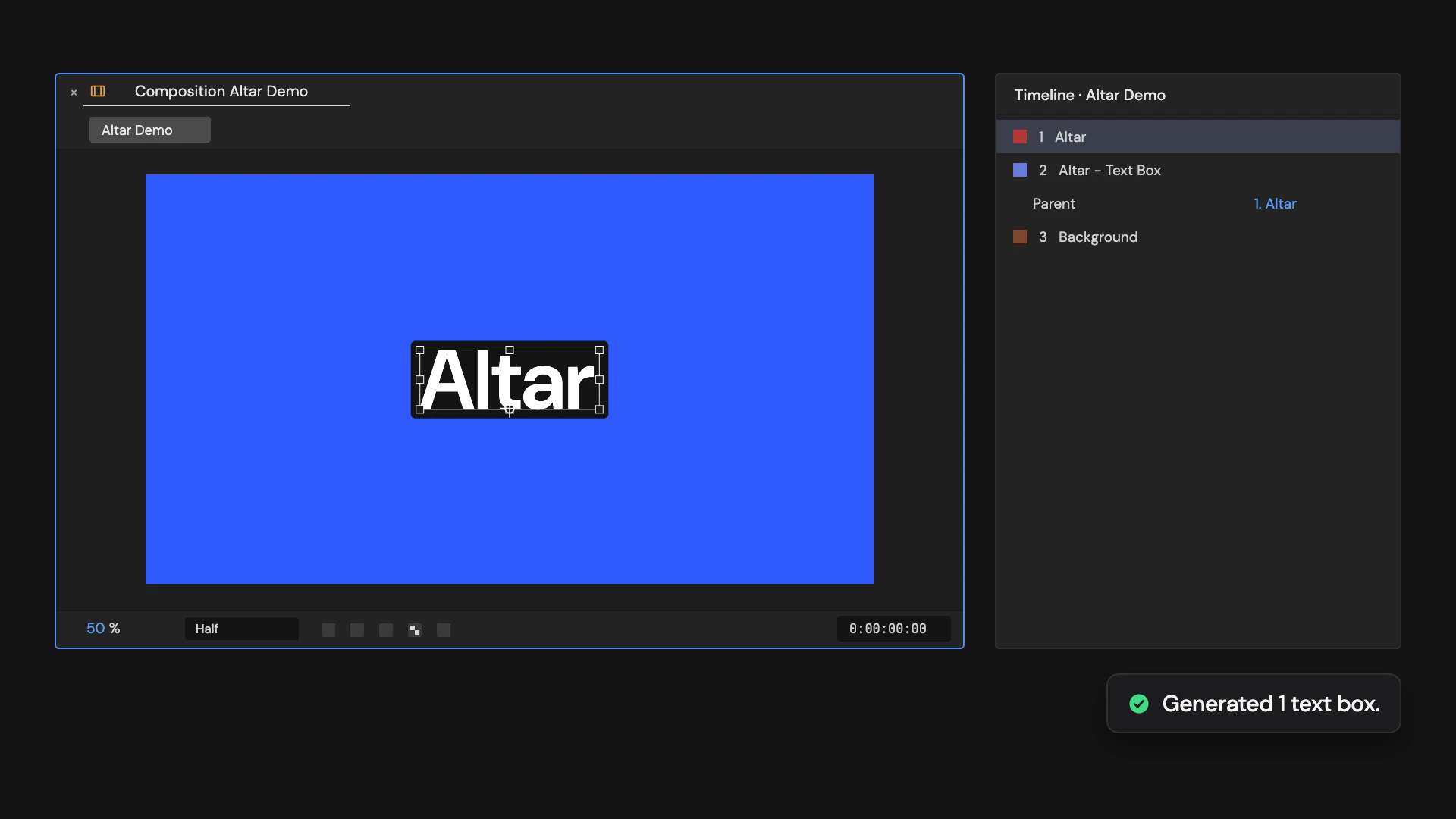
What it does
Adds a shape layer under each selected text layer, parented to it, with a rounded box that follows the text’s size as you type or animate it. Padding, Roundness, Box Color and Box Opacity controls sit on the box layer. With nothing selected, it creates a new text layer with its box. Running it again on the same text replaces that text’s box.
Controls
- Click: Generate responsive text box
Details
- Category: Text Tools
- Kind: Script
- Also searched as: text, box, background, shape, responsive
Guide
Add a box
Select one or more text layers and click Create Text Background Box. Each text layer gets a shape layer named after it, like Title - Text Box directly under it, parented to it, with the same in and out points and 3D switch. With nothing selected, Altar first adds a new text layer that says “Text”, then its box.
The box is measured from the text every frame, so it grows and shrinks as you edit or animate the text. It hugs the letters themselves; a stroke on the text is not included.
Style it
Select the box layer and open Effect Controls:
- Altar - Padding: space around the text on every side. Default 24.
- Altar - Roundness: corner radius. Default 12.
- Altar - Box Color: default a near-black grey.
- Altar - Box Opacity: default 100.
Because the box is parented to the text, it also follows the text’s position, scale and rotation, and padding scales with the text. It does not follow the text’s opacity.
Good to know
- Run it again on the same text and its box is replaced with a fresh one, back at the default settings.
- Keep the box parented to its text: its size is read through the parent.
- A selection that mixes text and other layers is refused, and nothing changes. One Undo removes the box.