Script
Add Continuous Spin.
Spin layers continuously at a set speed.
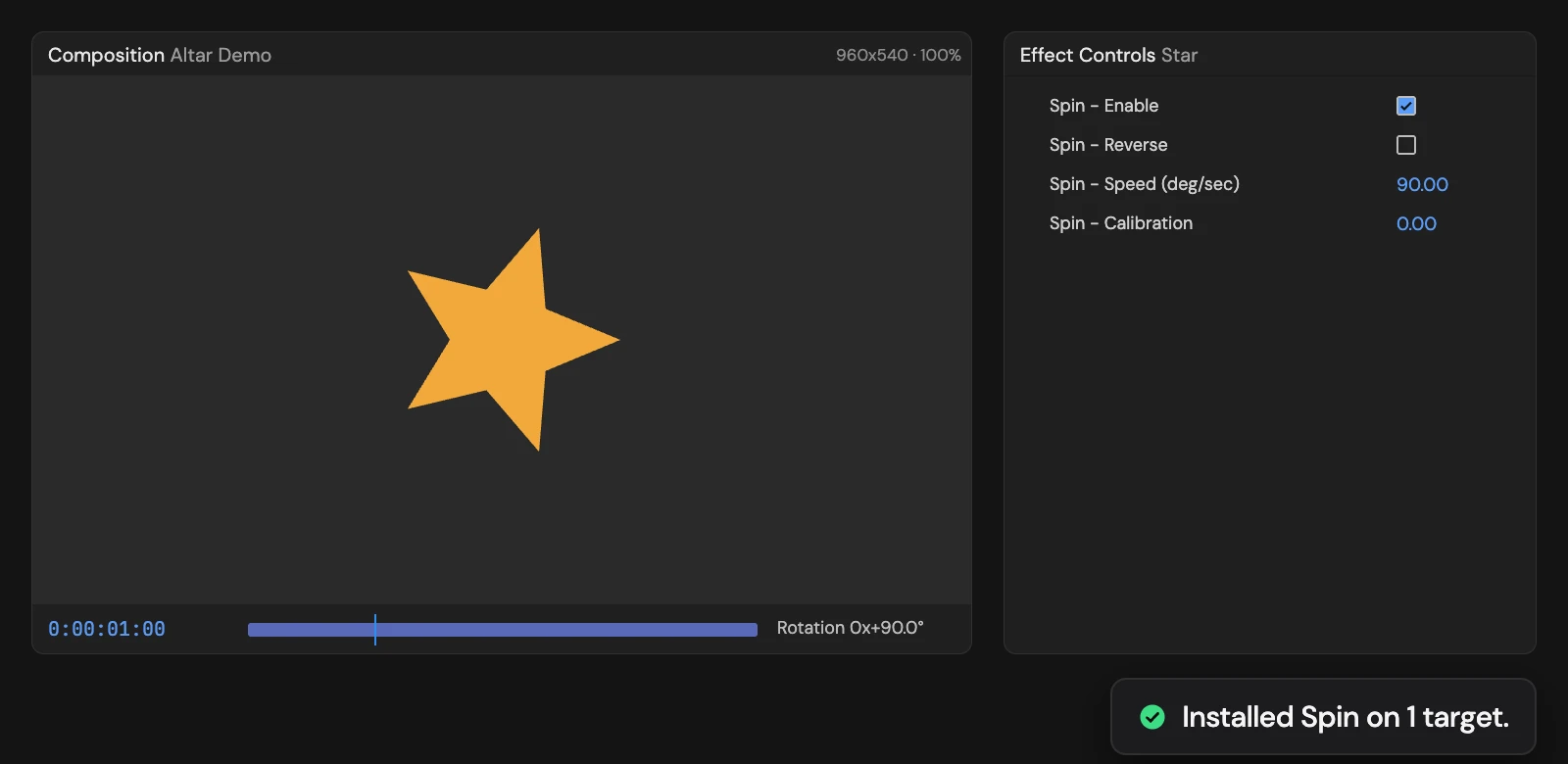
What it does
Rotates each selected layer at a steady 90 degrees a second from its in-point, on top of its own Rotation (Z Rotation on 3D layers). Speed, Reverse and Calibration in Effect Controls set the rate, the direction and an extra angle; Enable turns the spin off.
Controls
- Click: Install Spin rig
Details
- Category: Animation Tools
- Kind: Script
- Also searched as: spin, rotation, loop, rig, animation
Guide
Use it
Select one or more layers and click Add Continuous Spin. Each layer turns at 90 degrees a second, counting from its in-point, on top of its own Rotation. On 3D layers it drives Z Rotation.
Controls appear in Effect Controls, named Spin - …:
- Speed (deg/sec) sets how fast it turns. 360 is one full turn a second.
- Reverse spins the other way.
- Calibration adds a fixed angle, handy for lining up the starting pose.
- Enable stops the spin and returns the layer to its own Rotation.
Because the spin adds to Rotation, you can still keyframe Rotation underneath it.
Good to know
- The Tool replaces any expression already on Rotation.
- Adding it again gives the layer a second set of controls, Spin 2, and the rotation follows the newest set.
- One Undo removes the spin and the controls.