Script
Set Round Caps and Joins.
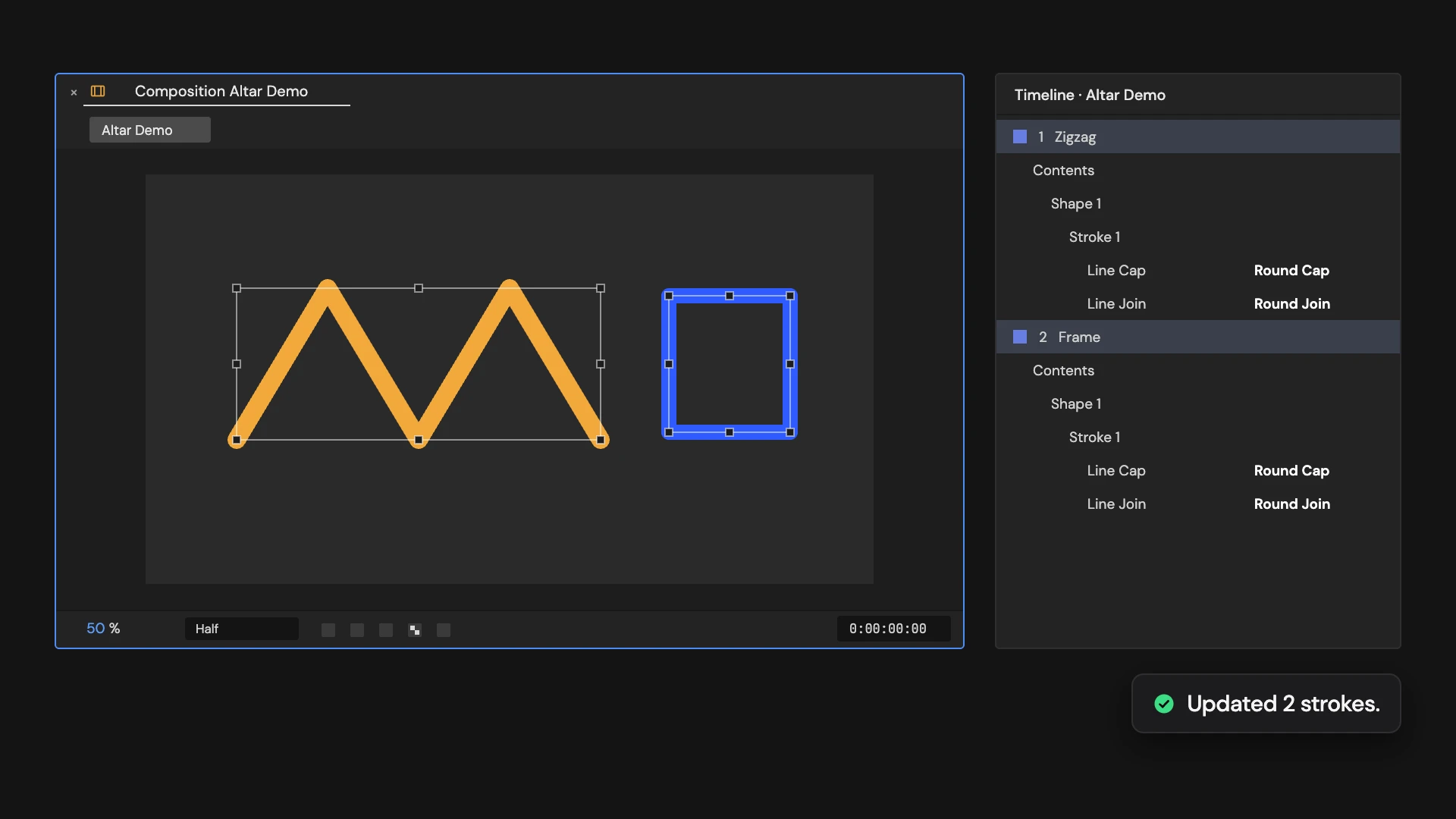
Set selected shape strokes to round caps and joins.
What it does
Sets every stroke in the selected shape layers, including strokes inside groups, to round caps and round joins.
Controls
- Click: Set round caps and joins
Details
- Category: Shape Tools
- Kind: Script
- Also searched as: shape, stroke, round, cap, join
Guide
Use it
Select one or more shape layers and click Set Round Caps and Joins. Every stroke in them, including strokes inside groups, gets Round line caps and Round line joins, so line ends and corners are rounded.
Good to know
- Select shape layers only; a selection that includes other layers is refused, and so is a selection with no strokes at all.
- Edit > Undo puts the previous caps and joins back in one step.