Script
Connect Layer Anchors.
Draw a live connector between two layer anchors.
What it does
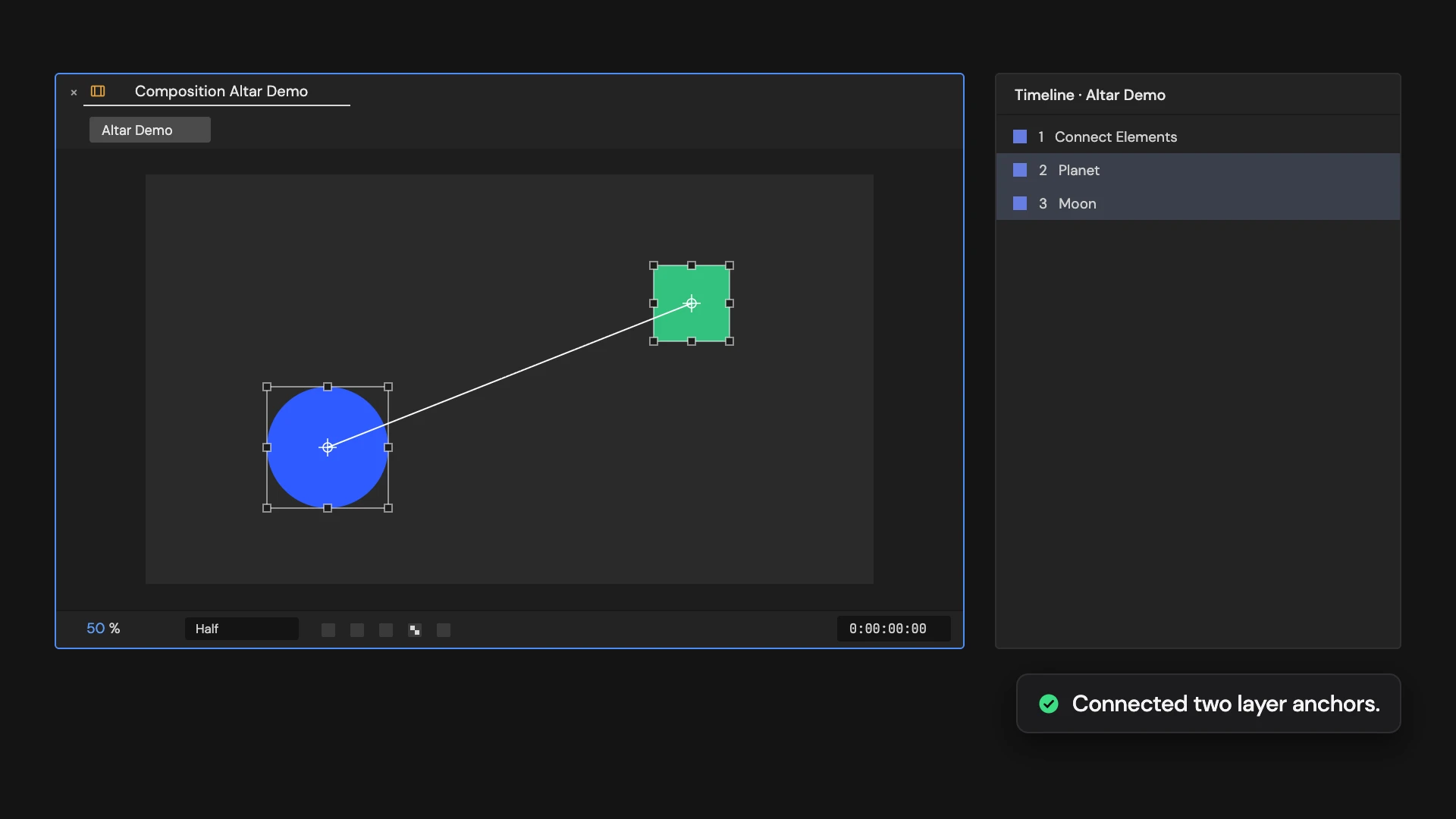
Adds a shape layer with a line between the anchor points of the two selected layers, which follows them as they move. With nothing selected, it also creates two nulls, Point A and Point B, to place the ends.
Controls
- Click: Connect two layers or create endpoints
Details
- Category: Shape Tools
- Kind: Script
- Also searched as: shape, connect, line, layers, rig
Guide
Connect two layers
- Select the two layers you want to join.
- Click Connect Layer Anchors.
A shape layer called Connect Elements is added with a 4-pixel line from the first selected layer’s anchor point to the second’s. The line follows both layers as they move, parenting included.
Start from scratch
With nothing selected, the Tool also adds two nulls, Point A and Point B, a quarter of the way in from each side of the comp. Move them to draw the line.
Good to know
- Two Layer controls on the connector, Point A and Point B, pick the ends. Point one at another layer to reconnect it.
- Style the line with the connector’s Stroke like any shape layer.
- Select exactly two layers, or none. Edit > Undo removes the connector.