Script
Open AE Scripts Folder.
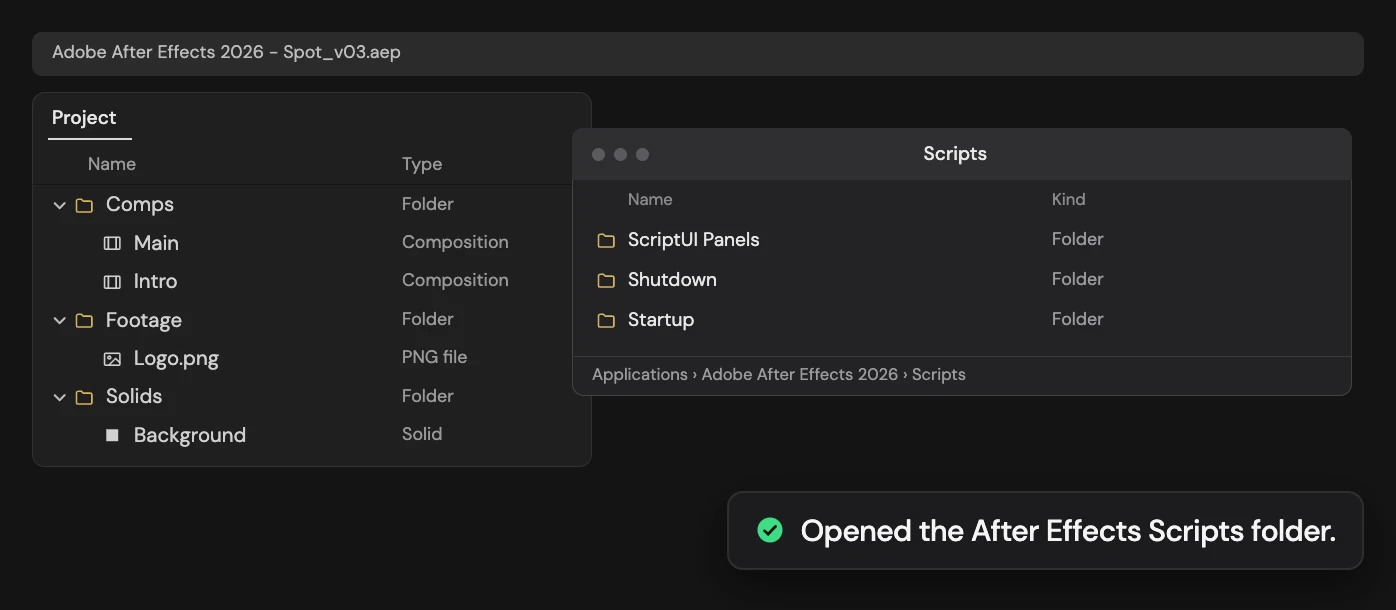
Open the After Effects Scripts folder.
What it does
Opens the Scripts folder of the After Effects you are running in Finder or Explorer, the place to drop .jsx scripts and ScriptUI panels.
Controls
- Click: Open the AE Scripts folder
Details
- Category: Project Tools
- Kind: Script
- Also searched as: project, scripts, folder, reveal, open, jsx, install
Guide
Open the folder
Click Open AE Scripts Folder. Finder or Explorer opens the Scripts folder of the After Effects you are running, for example Applications/Adobe After Effects 2026/Scripts on macOS.
Put .jsx scripts here to run them from File > Scripts, and ScriptUI panels in the ScriptUI Panels folder inside it to open them from the Window menu. Restart After Effects after adding files.
You don’t need an open project or a selection, and nothing in your project changes. If the folder can’t be found, Altar tells you.