Script
Reset Comp View to 100%.
Reset the viewer to 100% zoom.
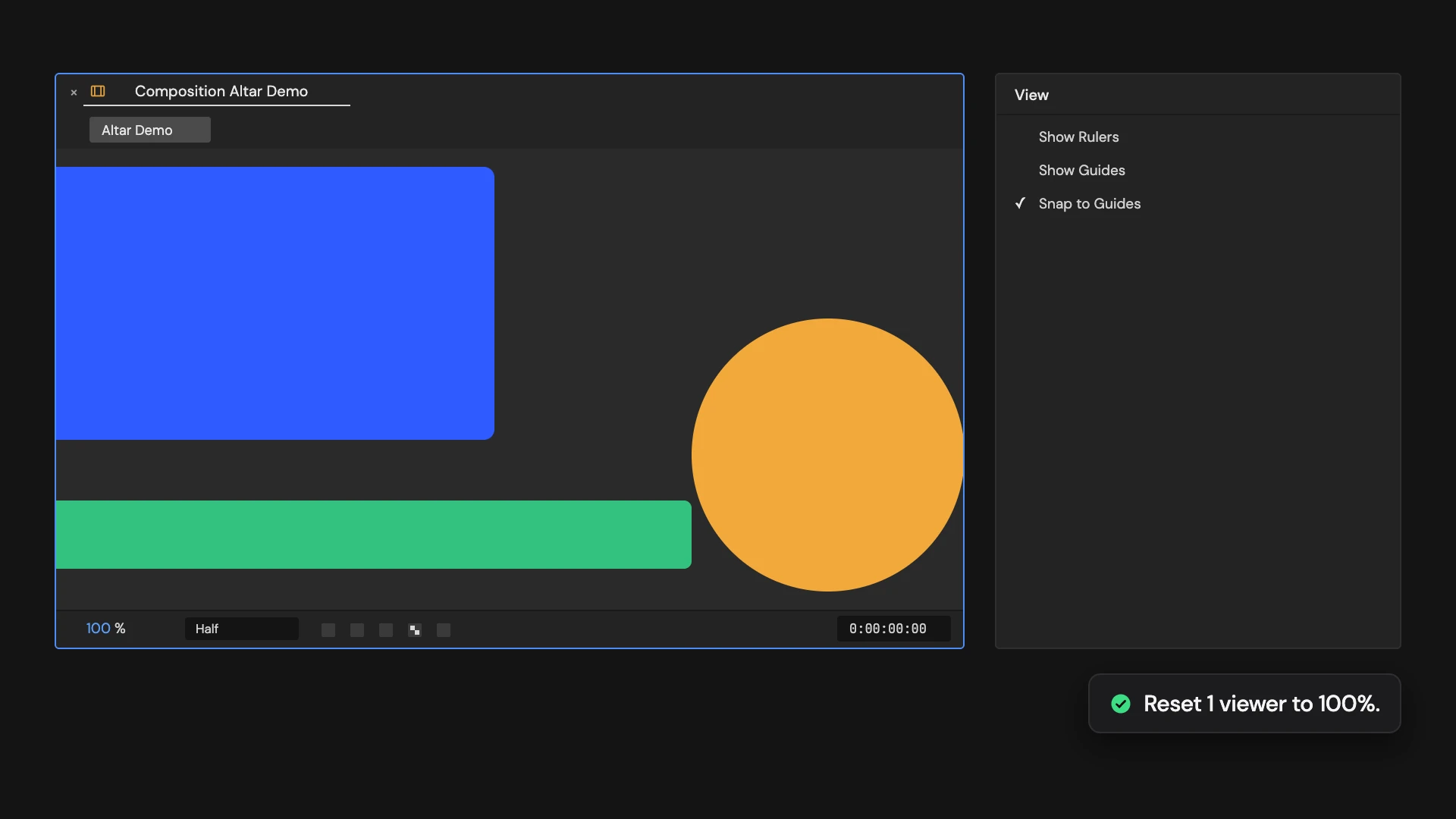
What it does
Sets the comp viewer to 100% zoom and hides rulers and guides. Hold Ctrl/Cmd to reset the viewers of the comps selected in the Project panel instead.
Controls
- Click: Reset active viewer
- Ctrl/Cmd: Reset selected comp viewers
Details
- Category: View Tools
- Kind: Script
- Also searched as: view, viewer, zoom, 100, reset, guides, rulers
Guide
Use it
Open the comp and click Reset Comp View to 100%. The viewer zooms to 100%, and rulers and guides are hidden for a clean look at the frame.
More than one comp
Hold Ctrl/Cmd as you click to reset the viewers of every comp selected in the Project panel instead. Each comp is opened in a viewer on the way.
Good to know
- Hidden guides are kept. Show them again with Show / Hide Guides.
- On high-density displays such as Retina screens, the zoom is matched to the display so 100% means 100%.
- Viewer settings are not part of Edit > Undo.