Script
Add Guides at Right.
Add guides at layer or comp right edges.
What it does
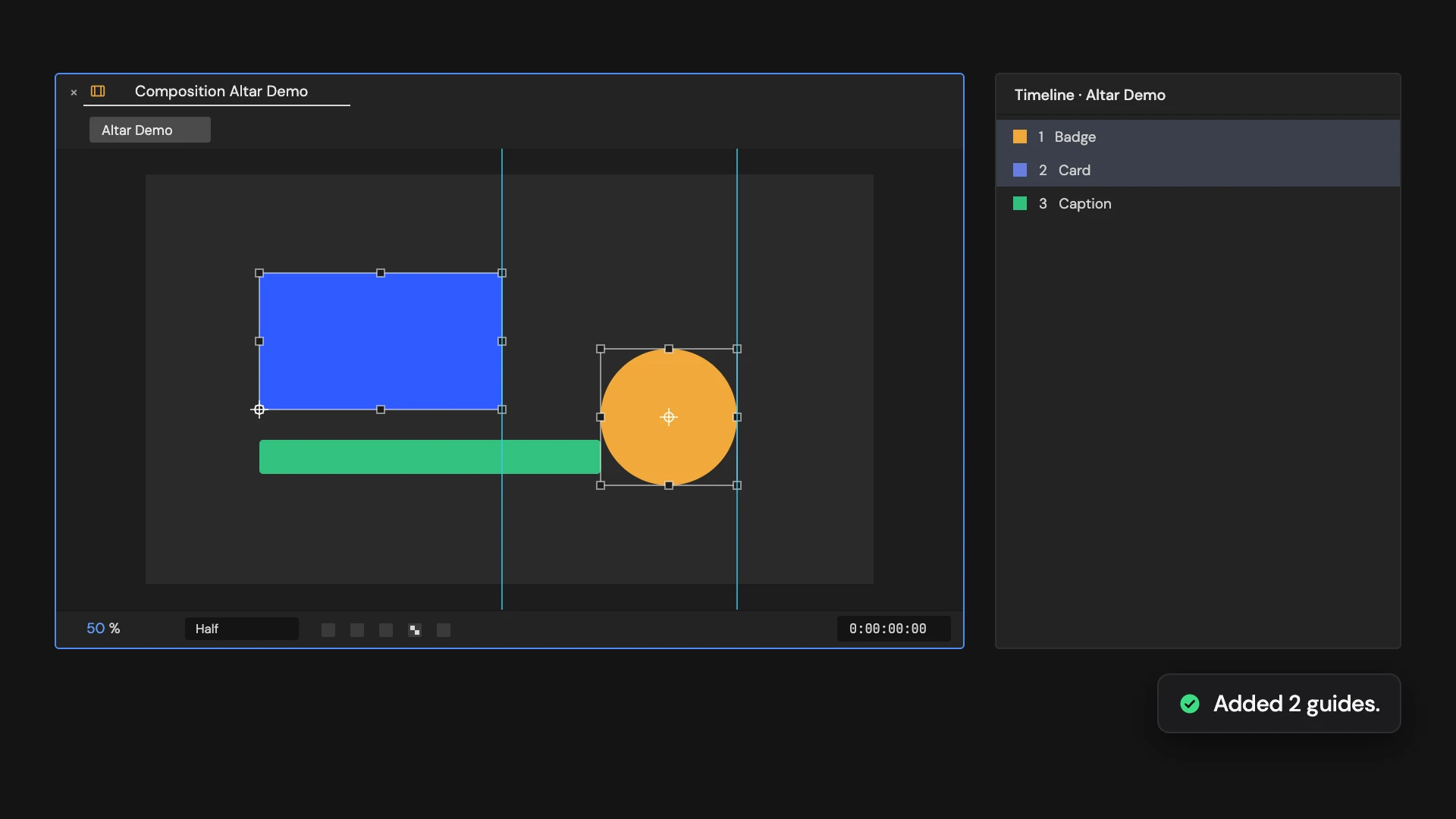
Adds a vertical guide at the right edge of each selected layer, or at the right of the comp when nothing is selected. Guides and snapping are turned on.
Controls
- Click: Add right guides
Details
- Category: Guide Tools
- Kind: Script
- Also searched as: guides, right, edge, layout
Guide
Add the guides
- Open the comp and select the layers you want to line things up with.
- Click Add Guides at Right.
Each selected layer gets a vertical guide along its right edge. With nothing selected, the guide goes along the comp’s right edge instead. Guides and Snap to Guides are switched on, so you can snap other layers straight to them.
Good to know
- The guides use each layer’s bounds at the current time, including parenting, scale, rotation and 3D. Effects and stroke widths are not counted.
- Cameras and lights have no bounds and are skipped. If they are all you selected, nothing is added.
- Guides don’t move with the layer afterwards. Clicking again adds another set; Edit > Undo removes the last one.