Connect Claude Desktop.
Let Claude read and edit your After Effects comps through Altar Bridge.
2 minmacOSAfter Effects with Altar open
Connect
- Open a composition
In After Effects, open the composition you want to work on. The check at the end reads its name.
- Connect from Altar Chat
In After Effects, open Window → Extensions → Altar Chat, choose Connect your AI, pick Claude Desktop, then press Connect Claude Desktop. Claude opens and asks you to install the Altar extension. Install it.
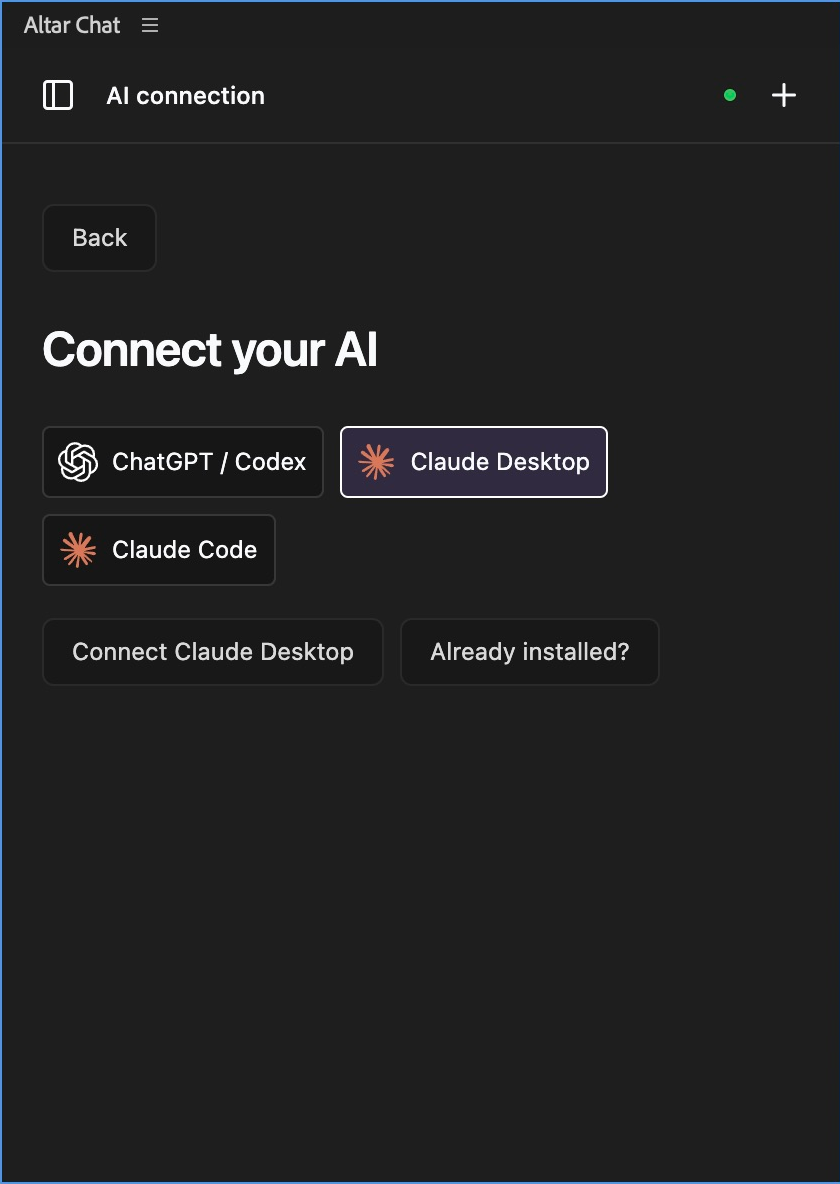
Pick the app you use. Altar Chat sets up the connection for you. Prefer to add it by hand?
Open Claude’s config file at
~/Library/Application Support/Claude/claude_desktop_config.json(Claude: Settings > Developer > Edit Config) and add Altar undermcpServers. ReplaceYOUR-NAMEwith your Mac user name:{ "mcpServers": { "altar": { "command": "/Users/YOUR-NAME/Library/Application Support/Adobe/CEP/extensions/com.sidequestplugins.altar.cep/mcp/altar-mcp" } } }Quit and reopen Claude. Then in Altar Chat, pick Claude Desktop and press Already installed? to get the check message.
- Copy the check message
Altar Chat shows a check message. Copy it with Copy check message. It looks like this:
Using Altar, can you read my composition?
- Paste it into a new Claude conversation
Start a new conversation so Claude loads Altar, then paste the message. Claude replies with the name of your composition, and Altar Chat shows that Claude is connected.
You don’t need an API key. Claude does the thinking, on your own Claude plan.
Try it
Use Altar to describe my active composition and suggest one improvement. Do not change anything yet.
Bring the title layer in over 12 frames with a soft overshoot.
If it didn’t work
Claude doesn’t list Altar.
Fix. Finish the install prompt in Claude, then start a new conversation. Claude only loads new connections in new conversations.
“Altar bridge not running.”
Fix. After Effects is closed or Altar’s connection stopped. Open After Effects; if it stays down, press Reconnect in Altar Chat’s Settings.
“This Altar install is missing its AI connection.”
Fix. Reinstall Altar from the download page, restart After Effects and connect again.
More fixes on Troubleshooting.
Next
- Try a prompt from the prompt library
- Troubleshoot this connection
- Choose another app